Bug Report
Log Tutorial
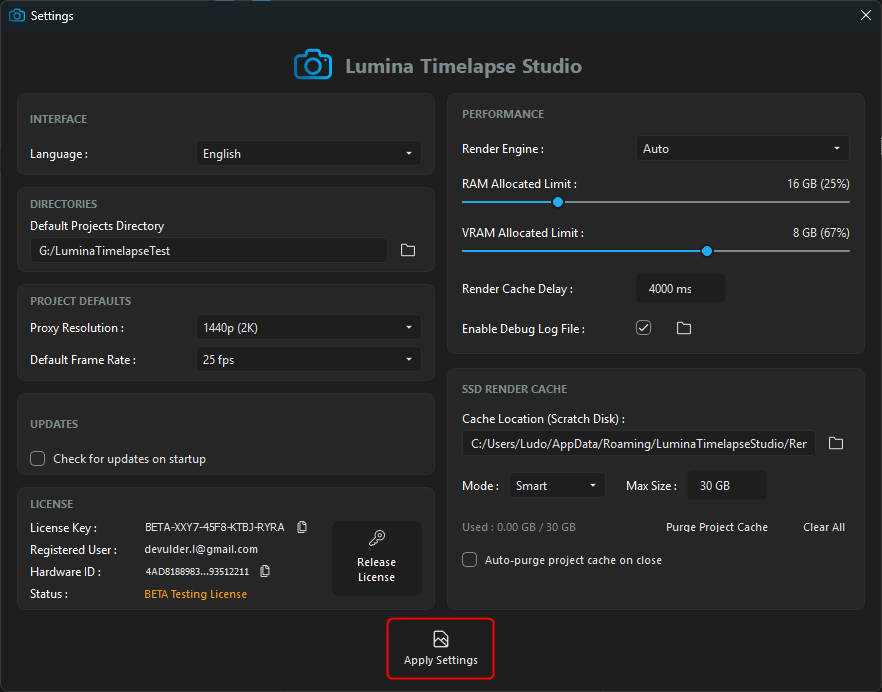
1. Open Lumina Timelapse Studio and open the settings tab.

2. Click on "Enable the Debug Log File".

3. Click on the log directory to open it in your explorer.

4. Register the new settings by clicking on "Apply"
5. Restart Lumina Timelapse Studio (required to get all informations in the log file) and apply your process until you encounter the bug.

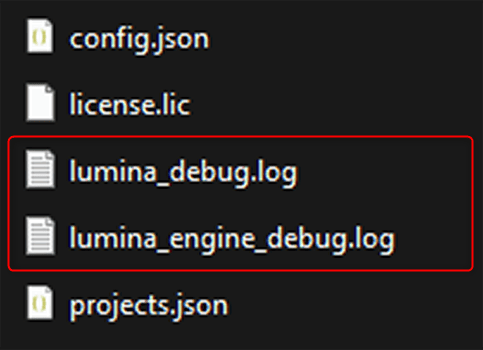
6. Send both log files with your bug report :
lumina_debug.log
lumina_engine_debug.log