Project & Media Management

Organize, Ingest, and Prepare High-Volume Sequences with Ease
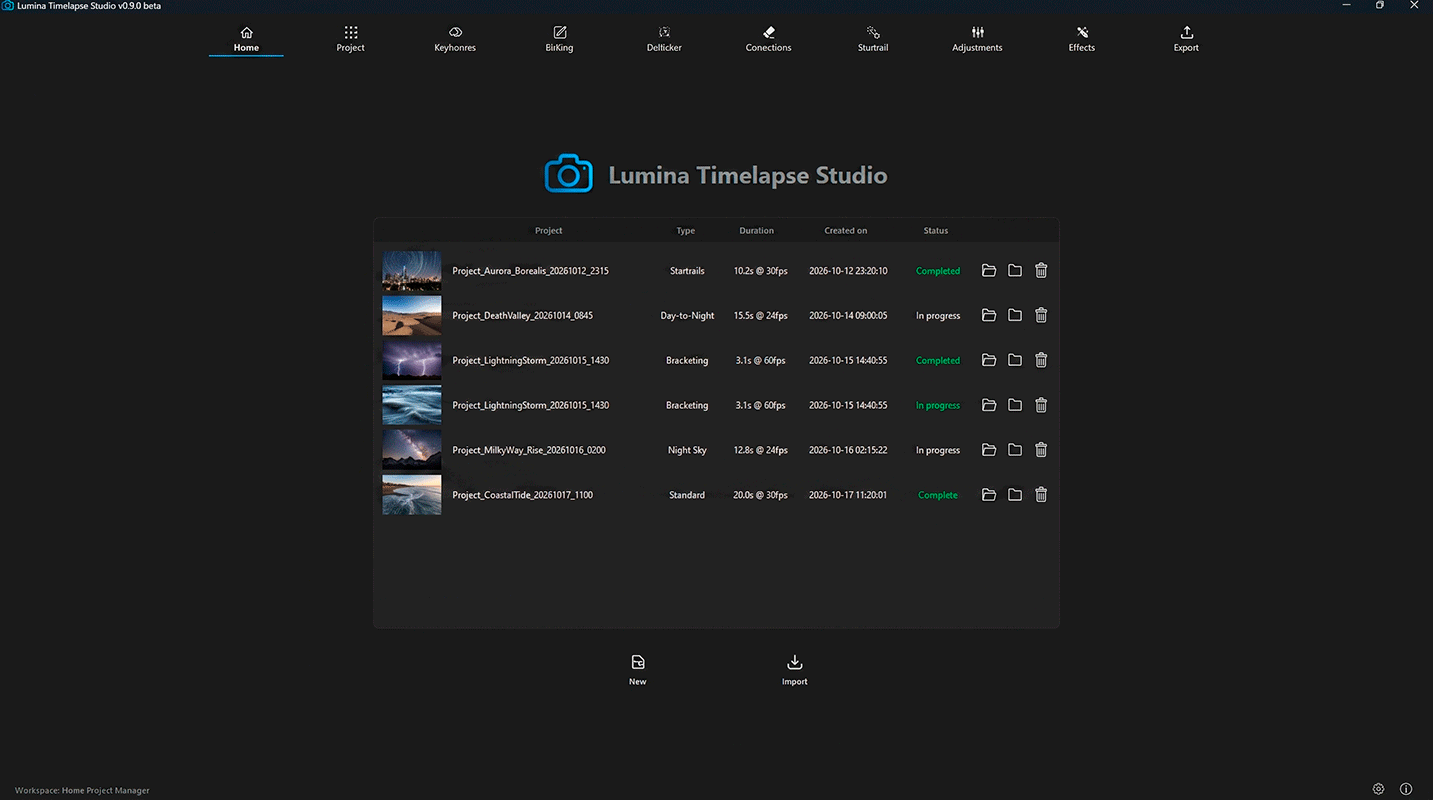
Start your timelapses on a solid foundation. From camera RAW ingestion to dynamic project tracking, Lumina handles complex media sets so you can focus entirely on editing.

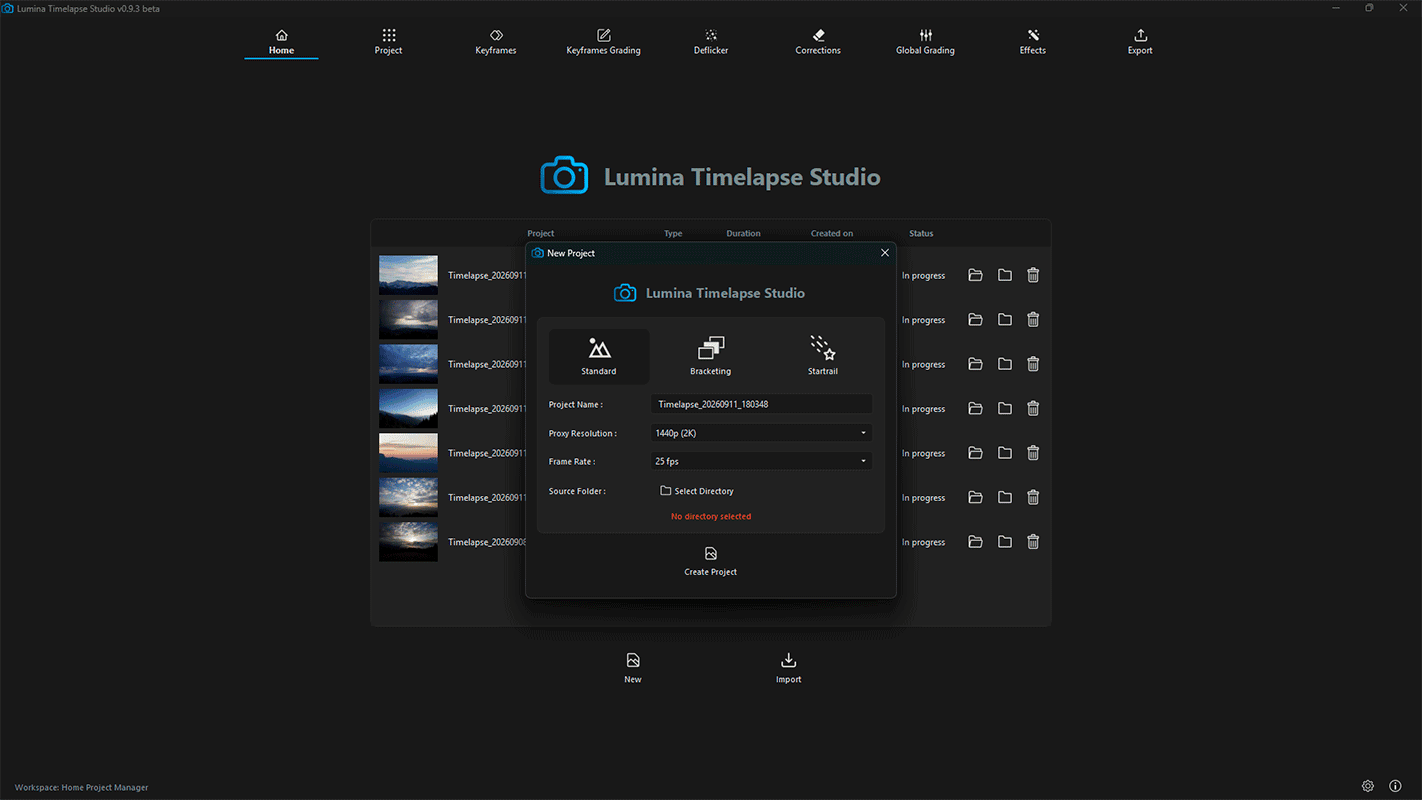
Project selection interface showing Startrails, HDR Bracketing, and Standard modes

Tailored Workflows & Project Tracking

Complete lifecycle management:

Create unlimited projects, assign production statuses (In Progress, Completed), and archive finished shoots directly inside the app.

Project presets by shoot type:

Choose between Standard, Star Trails, or Exposure Bracketing. Lumina automatically customizes interface tools and processing logic to fit the selected capture method.

Project selection interface showing Startrails, HDR Bracketing, and Standard modes

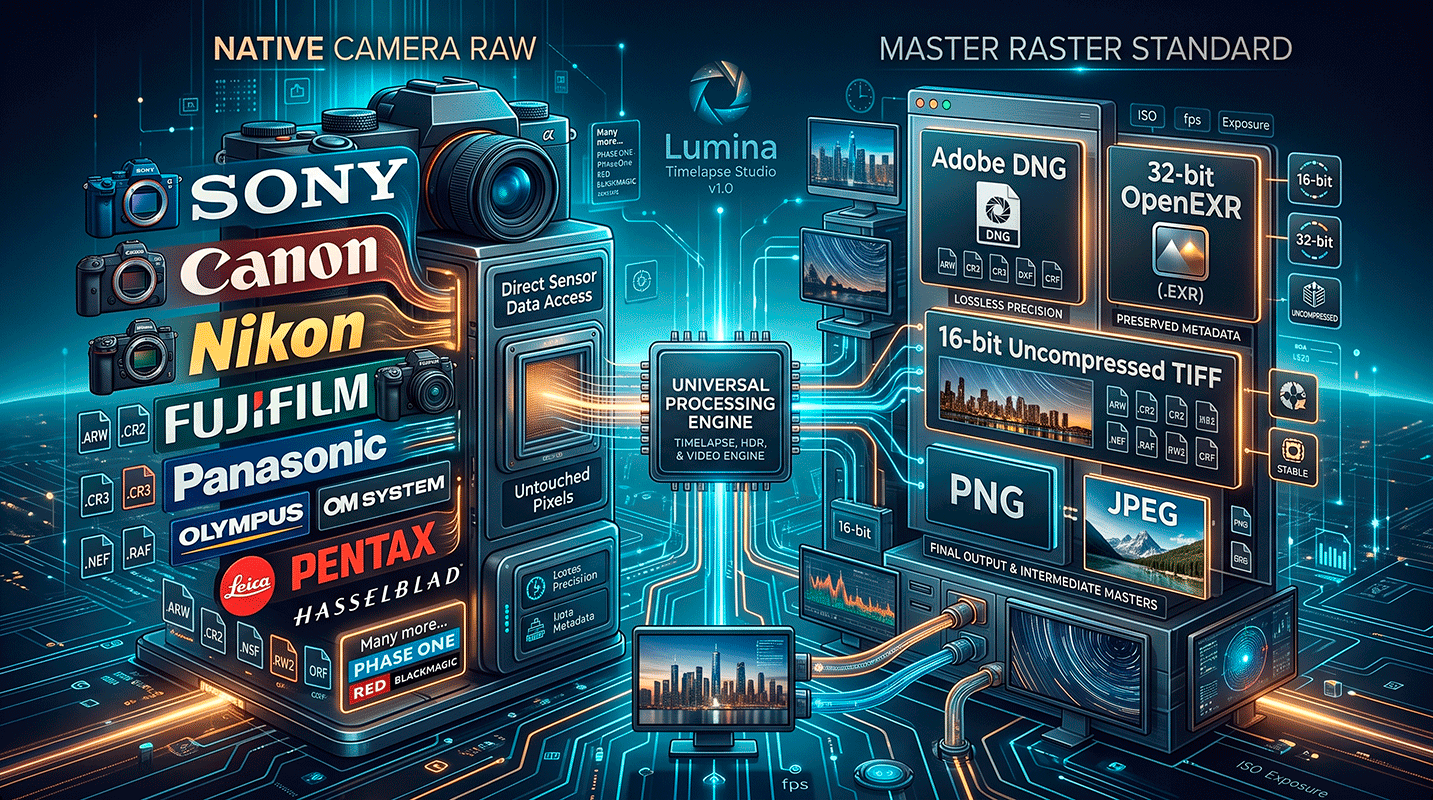
Universal RAW & Production Format Support

Native camera RAWs:

 Sony (.ARW), Canon (.CR2, .CR3), Nikon (.NEF), Fujifilm (.RAF), Panasonic (.RW2), OM System/Olympus (.ORF), Leica, Pentax, Hasselblad…and many more.

Master raster standards:

Full compatibility with Adobe DNG, 32-bit OpenEXR (.EXR), 16-bit uncompressed TIFF, PNG, and high-resolution JPEG.

Universal camera RAW format compatibility and decoding in Lumina

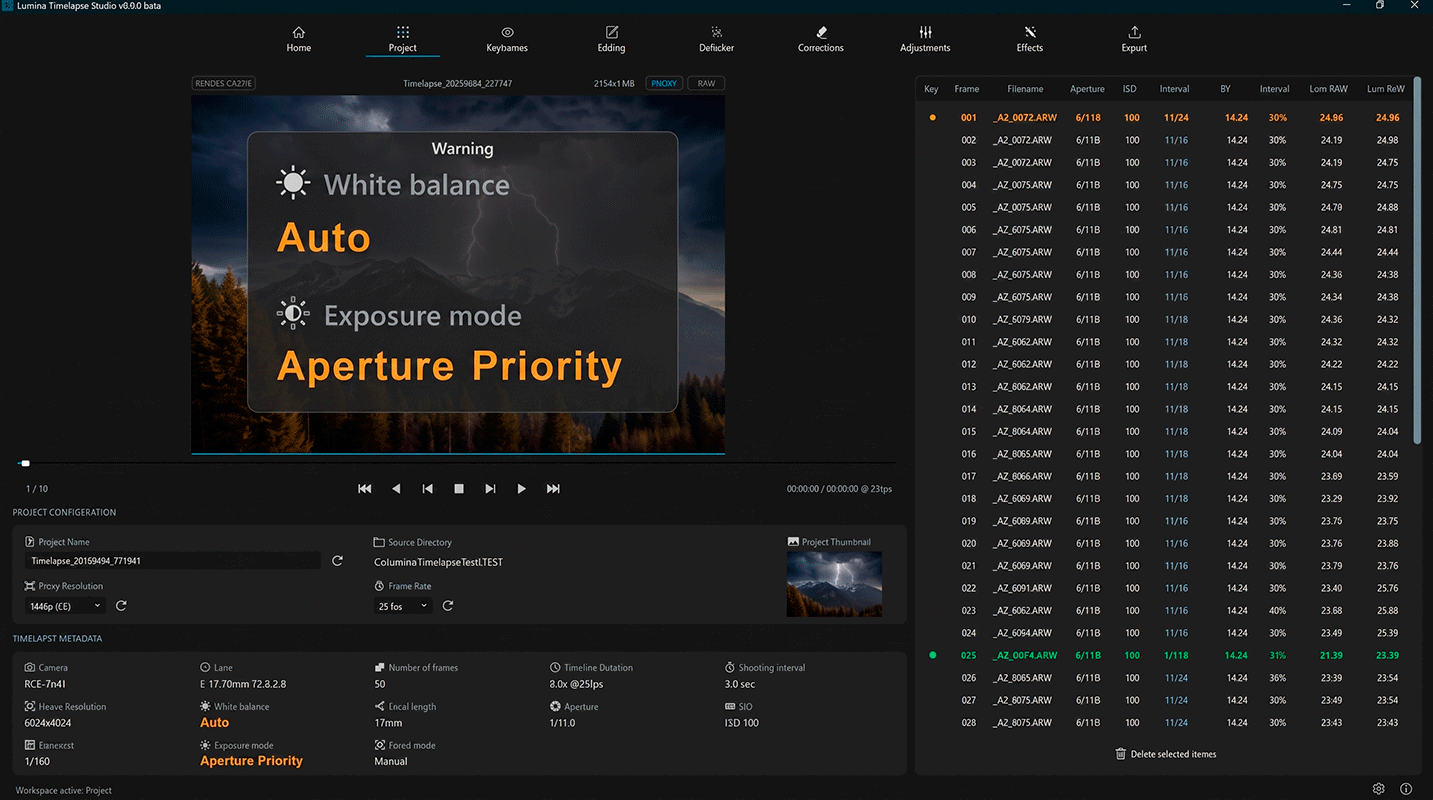
Automated Pre-Flight & EXIF Intelligence

Automated capture deviation warnings:

Instant alerts for erratic exposure modes, focus shifts, aperture changes, or white balance drift before processing begins.

Deep EXIF inspection & frame pruning:

Review metadata shot-by-shot to quickly isolate, flag, and remove ruined or accidental frames from your sequence.

Capture warnings and exposure anomaly detection markers on timelapse timeline

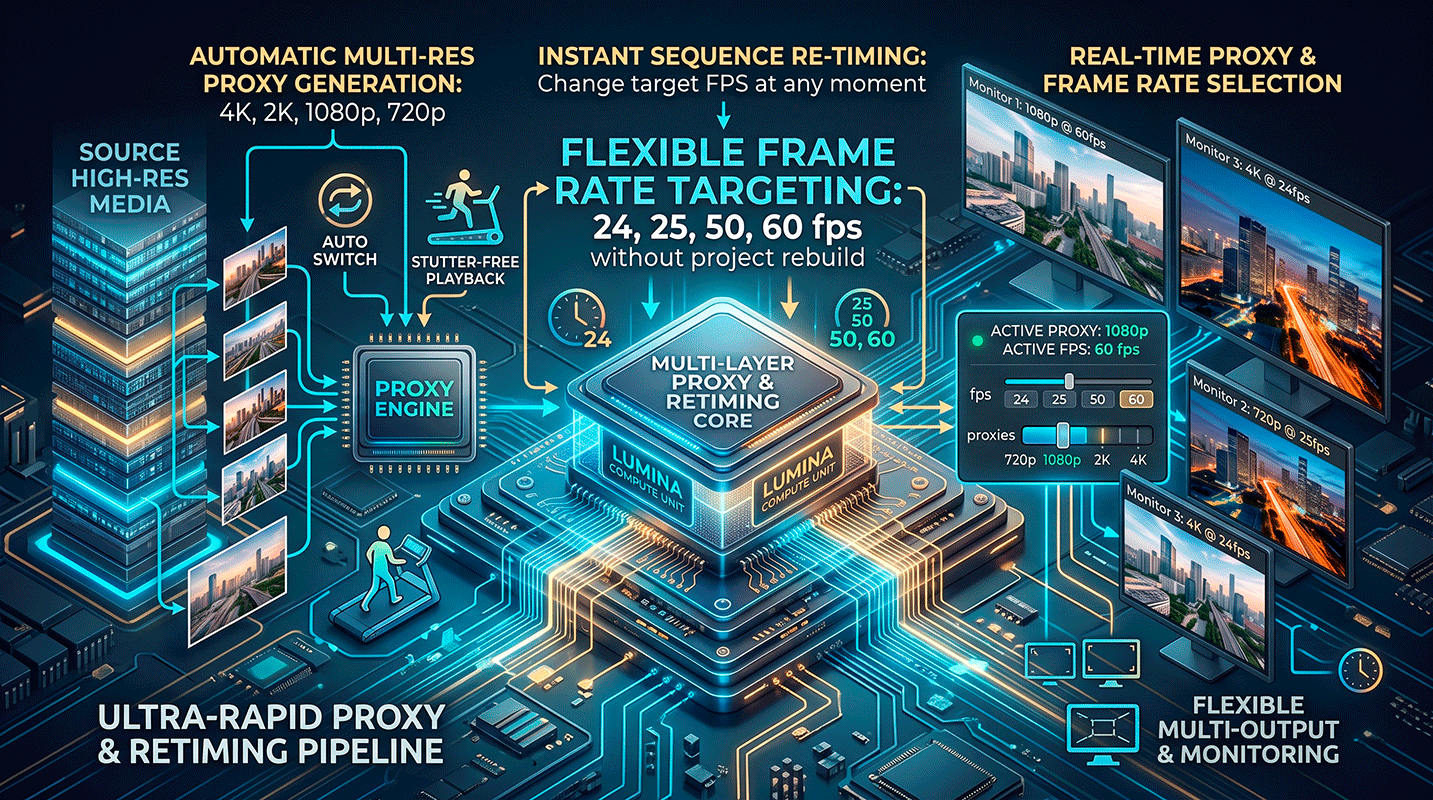
Agile Pipeline Controls

Multi-resolution smart proxies:

Generate 4K, 2K, 1080p, or 720p editing proxies for stutter-free playback, with the ability to switch proxy resolution on the fly at any stage.

Flexible frame rate targeting:

Re-time your sequence playback instantly between 24, 25, 50, or 60 fps without rebuilding project data.

Configurable proxy resolution settings and playback performance panel